
Google Sign-In for USMConnect
Sign in with the Google account the school already issued
Parents and staff forget the password for one more school app. Many of them already have a Google account from the school.
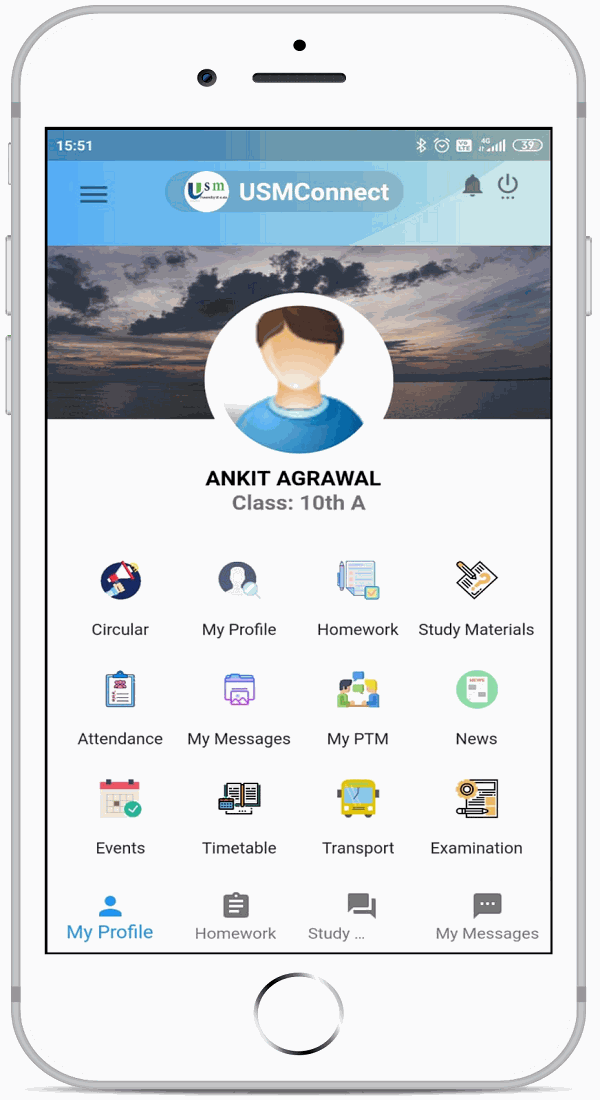
Google Sign-In is a switch on the USMConnect login screen. The school turns it on for the tenant, and USM matches the Google account to the existing parent or staff user. The rest of the app is covered on the USMConnect page.
Key Features
Sign in with Google
The login screen offers Google as well as the school password.
The school decides
Each tenant enables or disables Google Sign-In. Until it is on, password login stays as it is.
Matched to the existing user
The Google account is matched to the USM user, so a new duplicate profile is not created for the same person.
Password login can remain
A school can keep password-only login until it is ready for Google accounts.
Staff and parents
The same option is there for employees and for parents who use a school Google account.
On the app login
The choice appears on the USMConnect login screen.
How It Works
- Confirm the Google accounts people will use.
- Enable Google Sign-In in tenant settings.
- Ask staff and parents to use Google on the login screen.
- Leave it disabled if the school wants passwords only.
Benefits for Everyone
For parents
For staff
For the school
Frequently Asked Questions
No. Each school enables it from tenant settings.
The Google account is matched to the existing USMConnect user.
Yes. The school can disable Google Sign-In and keep password login.
No. Sending from the school domain is official school email. This page is only the login option.
Related Modules
Serving schools and colleges across India. Learn why Indian schools choose USM