
Syllabus Plan
A syllabus the parent receives, and nobody else's
A syllabus printed for the class often lists every child on the covering mail, or it never leaves the teacher's folder.
The syllabus plan in Ultimate School Manager sends a PDF to the intended student only. Lesson plans can be exported, imported and shared from the staff list. Daily teaching still uses the lesson planner and online classes module.
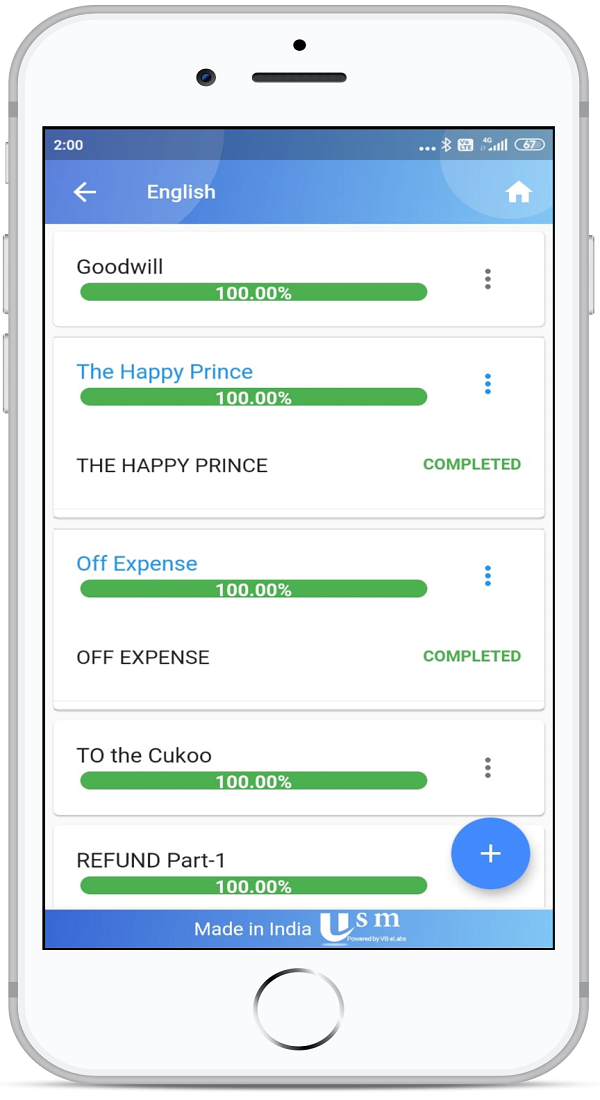
Key Features
Syllabus as a PDF
Download the syllabus plan and send it by email.
Private to the recipient
The email does not include other students' details.
Send and track the plan
See which syllabus plans have been sent from a clearer list.
Export and import lesson plans
Move a lesson plan between staff views without rebuilding it.
Question papers with the subject
Attach a question paper to a class and subject so it remains available across sessions.
Progress against the plan
Teachers still track topic progress in the lesson planner.
How It Works
- Prepare the syllabus plan for the class and subject.
- Download the PDF or send it to the student.
- Share or import lesson plans for the teachers who will teach it.
- Track progress in the lesson planner as the term moves.
Benefits for Everyone
For teachers
For parents
For coordinators
Frequently Asked Questions
No. Syllabus emails are limited to the intended recipient.
Yes. Lesson plans can be exported, imported and sent from the staff list.
They stay in the lesson planner and online classes module. This page is the syllabus plan and how it is sent.
A question paper attached to the class and subject remains available across sessions.
Related Modules
Serving schools and colleges across India. Learn why Indian schools choose USM