
Student Term Feedback
Term feedback parents can read, in the school's layout
A term remark written in a diary reaches one parent. The next teacher does not see it, and there is no PDF to send.
Student term feedback in Ultimate School Manager turns the remarks for the term into a school-branded PDF and an email. Subject-wise and exam-wise progress stays with the examination and report card module, including co-scholastic grades.
Key Features
Branded feedback PDF
Generate term feedback in the school layout and download it.
Email the feedback
Send the PDF to the parent from the staff page.
Subject and exam progress
A progress chart shows how the student did by subject and by exam.
Co-scholastic grades
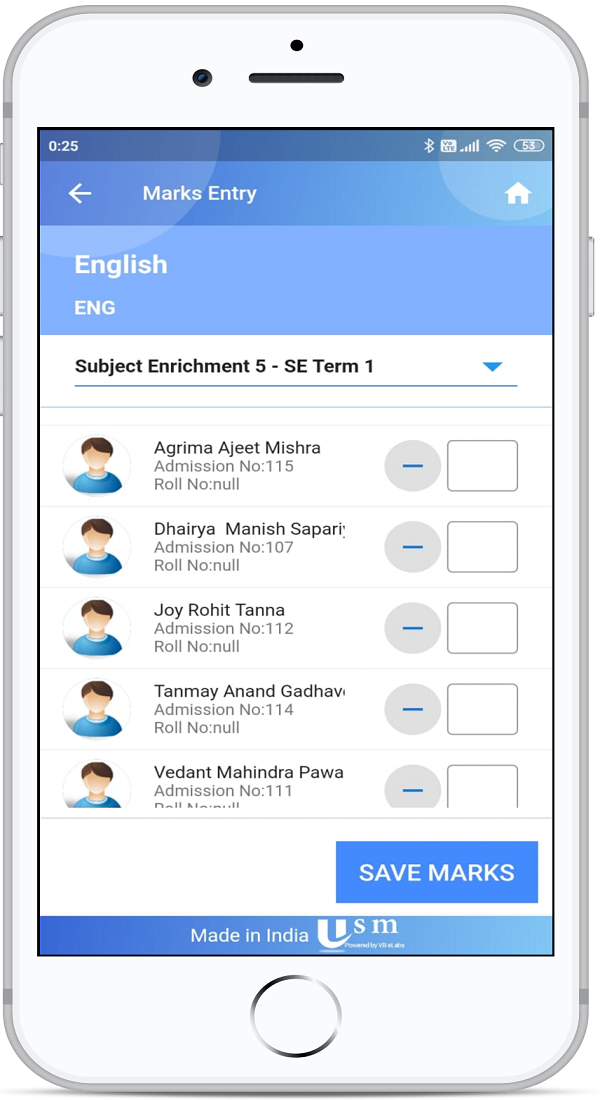
Record co-scholastic grades for the term, including from the mobile app, and carry them onto 2026 report cards.
Clearer staff pages
Print and summary views make the term easier to review before it is sent.
One student at a time
Feedback mail is for that student. It is not a combined list of the class.
How It Works
- Enter the term remarks and co-scholastic grades.
- Review the summary on the staff page.
- Generate the branded PDF.
- Email it to the parent, or print it for a meeting.
Benefits for Everyone
For teachers
For parents
For the exam cell
Frequently Asked Questions
No. The report card is the examination result. Term feedback is the remark and summary you send for the term, using the same student and exam data.
Yes. Staff can email the school-branded PDF to the parent.
Yes. Co-scholastic term grading is available from the mobile APIs as well as on the web.
Yes. The chart can show subject-wise and exam-wise performance.
Related Modules
Serving schools and colleges across India. Learn why Indian schools choose USM